


Jira Integration
for Customer Support
Auto-link Jira issues to support tickets
across Zendesk, Salesforce & Intercom.
Multiple Jira sites. Deploy in 24 hours.Auto-link Jira issues to
support tickets across Zendesk,
Salesforce & Intercom.
Multiple Jira sites. Deploy in 24 hours.
across Zendesk, Salesforce & Intercom.
Multiple Jira sites. Deploy in 24 hours.Auto-link Jira issues to
support tickets across Zendesk,
Salesforce & Intercom.
Multiple Jira sites. Deploy in 24 hours.
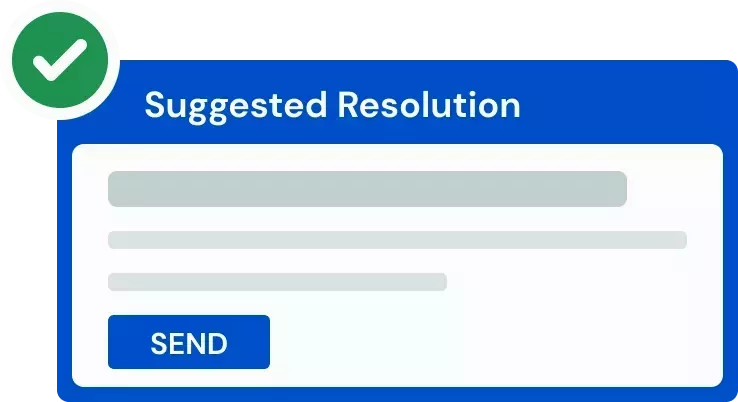

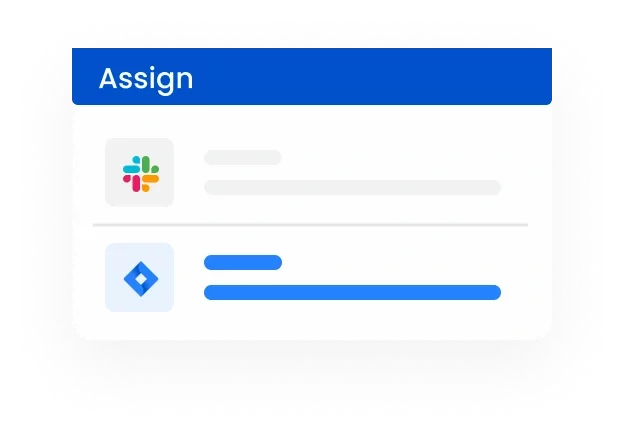
Collaborate across support, product
and engineering, in one place
and engineering, in one place
FOR CUSTOMER SUPPORT TEAMS
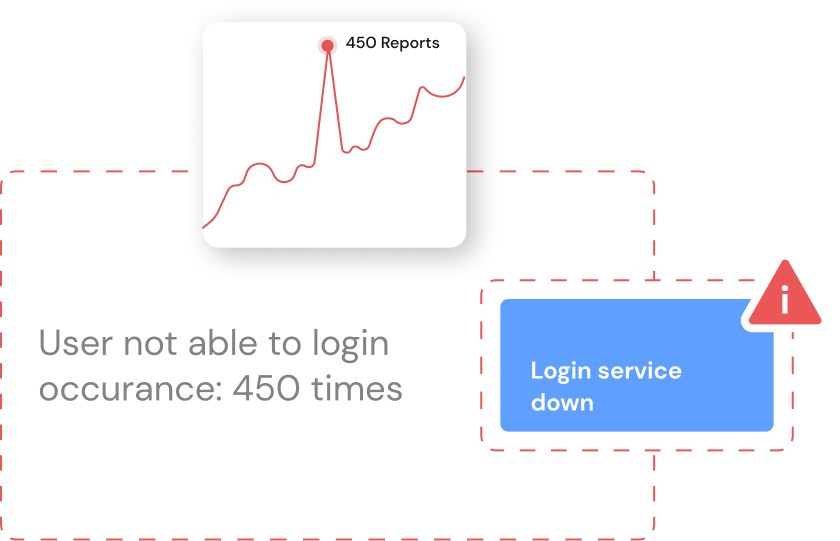
Automated correlations of support tickets with Jira issues
to accelerate resolution

Improve collaboration
with engineering teams
Automate workflows to
reduce manual labor and avoid
errors
reduce manual labor and avoid
errors
Discover issues instantly
to resolve tickets
faster
to resolve tickets
faster
FOR CUSTOMER SUPPORT TEAMS
Automated correlations of support tickets with Jira issues to accelerate resolution

Improve collaboration
with engineering teams
Automate workflows to
reduce manual labor and
avoid errors
Discover issues instantly
to resolve tickets
faster
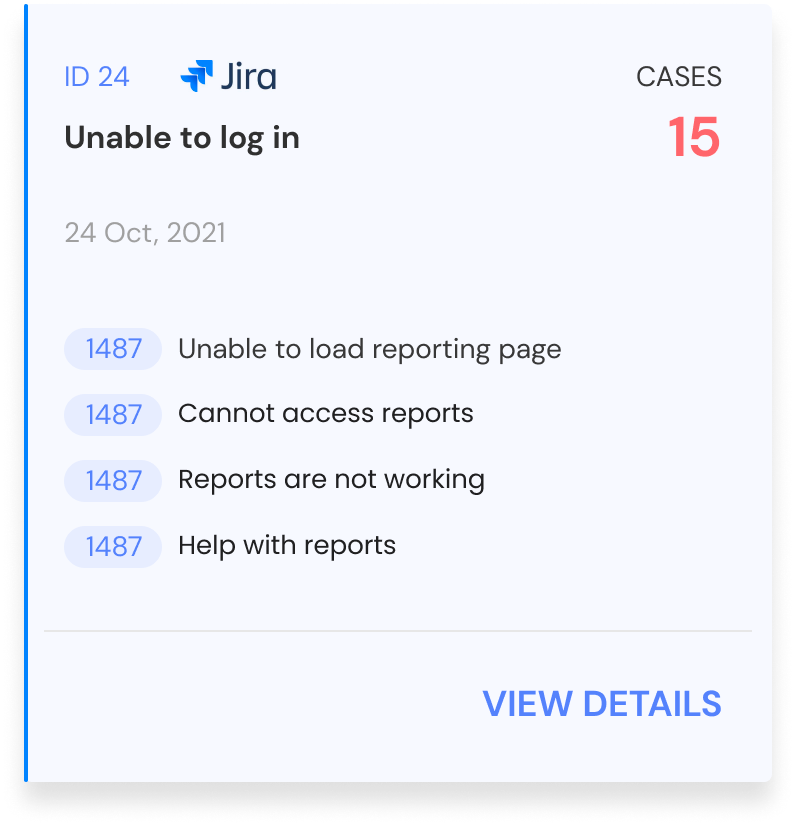
FOR PRODUCT AND ENGINEERING TEAMS
Prioritize product bugs
with business context

Highlight bugs with a significant impact on
customer support
See which customers are impacted by key bugs
Synchronize bugs and tickets as they update

Quick
no-code setup

Supports all
major languages

Easily
customizable
Respond faster and more empathetically
to your customersRespond faster and more
empathetically to your customers
to your customersRespond faster and more
empathetically to your customers
Any questions?
We got you.

This is one of many IrisAgent integrations. See how AI deploys across your full customer support stack, or how it runs on Jira Service Management for internal IT and employee support. For product support teams, read how AI handles technical support tickets from troubleshooting to the engineering escalation.