
AI Chatbot for SaaS Onboarding and Time-to-Value
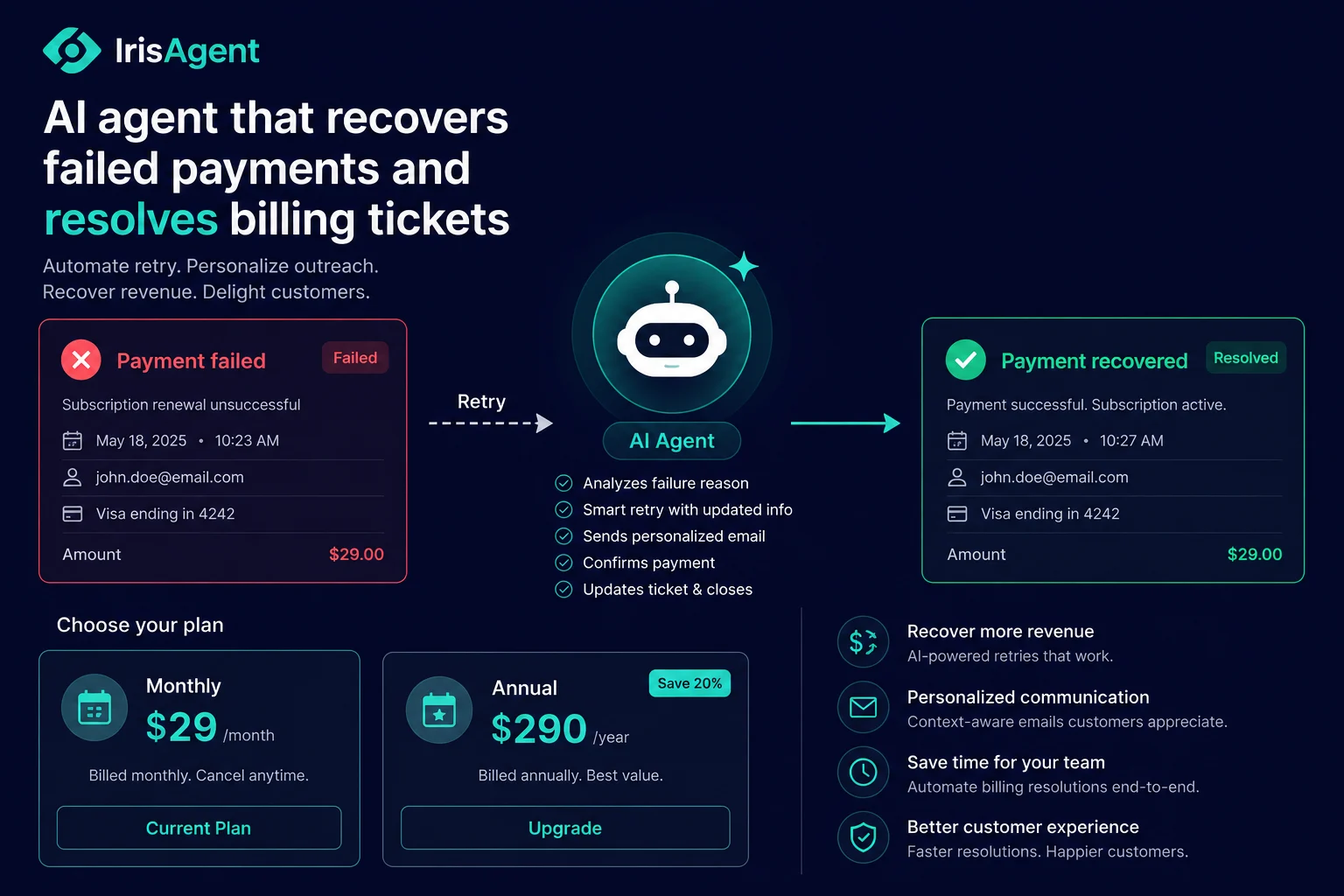
An AI chatbot for SaaS onboarding is an AI agent that answers a new user's setup and how-to questions inside the product, at the exact moment they get stuck, so they reach first value without filing a ticket or waiting on a human. It reads the question, looks up the user's account state, pulls the right answer from your docs and product knowledge, and walks them through the next step: connecting an integration, inviting a teammate, resetting access, or finding a feature. For SaaS teams this matters because the gap between signup and first value (time-to-value) is where activation is won or lost, and most of the friction in that gap is support questions no human answers fast enough. IrisAgent resolves the bulk of these onboarding questions automatically, in seconds, so more new users activate instead of quietly dropping off.
That is the short version. The rest of this guide is the operator's version: why onboarding friction is a support problem, which onboarding questions to automate first, where the automation breaks, and what to measure.
Key takeaways - Time-to-value is the activation metric that predicts retention. Every hour a new user is stuck waiting on an answer is an hour closer to abandoning. - Most onboarding friction is unanswered support questions: setup steps, integration errors, access issues, and "how do I do X" moments. An AI chatbot closes that gap in real time. - The four onboarding workflows worth automating first: product how-to questions, account access and password resets, integration and setup errors, and plan or seat questions during the trial. - The chatbot has to be grounded in your product docs and the user's actual account state, not a generic FAQ, or it will frustrate the exact users you are trying to activate. - Track three numbers: time-to-first-value, onboarding-ticket deflection rate, and trial-to-activation conversion.
Why onboarding is a support problem, not just a product problem
Every SaaS team obsesses over the onboarding flow: the checklist, the tooltips, the welcome emails. Those help. But they assume the user moves through a clean, predictable path, and real users never do. They land mid-flow from a teammate's invite, they connect an integration that throws an error, they forget which email they signed up with, they cannot find the one setting they need. At each of those moments the product flow has nothing to say, and the user has a question.
If that question goes unanswered for hours, the momentum is gone. The user who was excited at signup is now annoyed and distracted, and the cost of getting them back is high. This is the quiet leak in almost every SaaS funnel: not a broken product, but a wall of small, unanswered questions during the most fragile part of the customer relationship.
Onboarding research from teams like OpenView and Userpilot consistently shows that faster time-to-value correlates with higher activation and retention. The flip side is just as true. The slower a new user reaches their first real outcome, the more likely they are to churn before they ever become a paying habit.
The cost-of-doing-nothing math
A self-serve SaaS product with a few thousand signups a month will generate a steady stream of onboarding questions, and a meaningful share of new users who hit friction never come back. If even a slice of those users abandon because a setup question went unanswered overnight, the lost revenue dwarfs the cost of the support. The users are already acquired and already interested. Losing them to a slow answer is the most expensive kind of churn, because you paid to acquire them and got nothing.
A human support team cannot economically catch every stuck trial user in the moment. By the time an agent replies the next morning, the user has moved on. An AI chatbot answers at 2 a.m., inside the product, while the intent is still warm.
The four SaaS onboarding workflows worth automating first
Start with the high-volume, answerable questions that block users from reaching value.
1. Product how-to questions
"How do I set up X?" and "Where is the setting for Y?" are the bread and butter of onboarding friction. The AI answers them precisely from your product documentation and surfaces the exact step, instead of dropping the user into a search box. This is the core of the automate product how-to use case, and it is the single highest-volume onboarding category for most SaaS products.
2. Account access and password resets
Nothing kills onboarding momentum like being locked out. "I can't log in," "which email did I use," and "reset my password" are pure, rule-bound interactions the AI handles end to end, verifying the user and walking them through recovery without a human. The mechanics are covered on the automate password reset use case. Resolving these instantly keeps a fragile new user from giving up at the front door.
3. Integration and setup errors
The moment a user connects your product to their stack is the moment they start getting real value, and also the moment things break: an expired token, a permission scope, a misconfigured webhook. The AI reads the error, explains what went wrong in plain language, and gives the specific fix, turning a dead end into a completed setup.
4. Plan, seat, and trial questions
During a trial, users ask about limits, seats, and upgrades: "How many users can I add?" "What happens when my trial ends?" The AI answers from the user's actual account state and your plan rules, and can route a ready-to-buy user to the right next step. This overlaps with the subscription management use case and connects onboarding directly to revenue.
What "the AI chatbot onboards a user" looks like end to end
Here is the real workflow for a new user who connects an integration during setup and hits an error.
Intent classification. The AI reads the message and recognizes a setup or integration question, routing it to the onboarding workflow rather than a generic FAQ reply.
Account lookup. The AI checks the user's account state: which plan, which integrations connected, where they are in the setup flow.
Knowledge retrieval. The AI pulls the right answer from your product docs and the specific error's known fix, grounded in your content rather than guessing.
Guided resolution. The AI gives the user the exact next step, in plain language, and confirms when the integration connects successfully.
Escalation if needed. If the issue is a genuine bug or an edge case the docs do not cover, the AI hands off to a human with the full context attached, so the user never repeats themselves.
The whole exchange happens in seconds, inside the product, while the user is still trying. A human answering the same question hours later, by email, has usually already lost them. This is the same agentic capability described on the AI customer support for SaaS page, applied specifically to the onboarding moment where speed matters most.
Where SaaS onboarding AI breaks (and how to keep it useful)
Onboarding automation fails in predictable ways. Design around them.
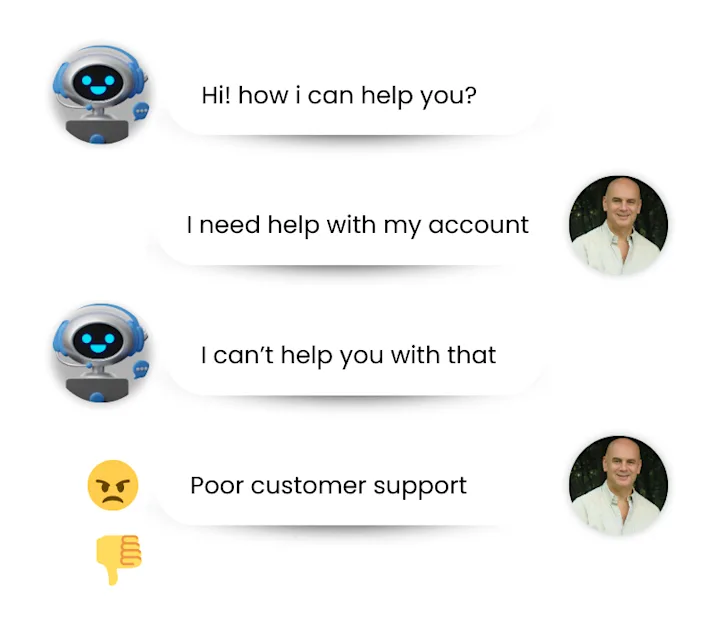
It breaks when it is a generic FAQ bot. A new user who gets a vague, off-target answer during setup is more frustrated than if they got no answer at all. The fix is grounding: the AI must read your real product docs and the user's actual account state, so the answer fits their situation.
It breaks when it cannot see the user's context. "Why is my integration failing" has no good answer without knowing which integration, which plan, and which error. Connect the AI to your product and account data so it can resolve, not just deflect.
It breaks without a clean handoff. Some onboarding blockers are real bugs or account-specific edge cases that need a human. The AI should escalate those immediately with full context rather than looping the user through unhelpful suggestions, which is what agent assist makes possible: the human picks up a fully-documented case and finishes the job.
What to measure
Three numbers tell you whether onboarding automation is working.
Time-to-first-value: how long it takes a new user to reach their first real outcome. Shrinking this is the whole point, and a good onboarding chatbot moves it directly by removing the wait on answers.
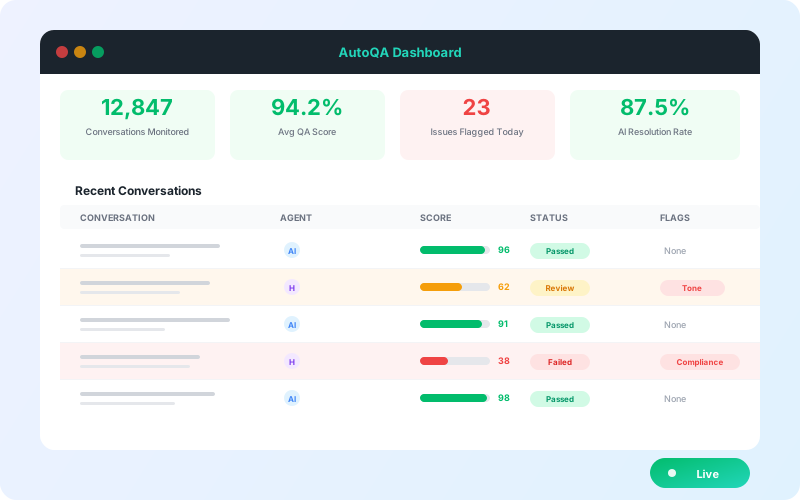
Onboarding-ticket deflection rate: the share of setup, access, and how-to questions resolved without a human. Watch this climb as the AI learns your product's rough edges.
Trial-to-activation conversion: the share of new users who reach an activated, sticky state. This is the revenue number, and faster, in-the-moment answers move it. You can model the broader savings with the ROI calculator.
How onboarding AI fits the rest of your SaaS support stack
Onboarding is the first chapter of the SaaS support journey, not the whole story. The same agentic AI that unblocks a new user during setup also resolves the billing and renewal questions that come later, surfaces at-risk accounts before they churn through the detect at-risk customers use case, and handles the subscription billing tickets that scale with your base. The strategic view of how AI scales across the full journey, from onboarding to renewal, lives on the AI customer support for SaaS hub, and the broader product capability is covered on the AI for customer support page.
Get onboarding support right and the rest of the funnel gets easier, because a user who reached value fast is a user who sticks around to ask the higher-value questions later.
Frequently Asked Questions
What onboarding questions can an AI chatbot resolve automatically?
Product how-to questions, account access and password resets, integration and setup errors, and plan or seat questions during a trial are the four highest-value categories. The AI resolves these end to end when it is grounded in your product docs and connected to the user's actual account state.
How does an AI chatbot reduce time-to-value?
It answers the setup and how-to questions that block a new user the moment they get stuck, instead of leaving them to wait hours for a human reply. Removing that wait keeps onboarding momentum and gets users to their first real outcome faster, which is what time-to-value measures.
Will an onboarding chatbot frustrate new users with generic answers?
Only if it is a generic FAQ bot. A grounded AI chatbot reads your real documentation and the user's account context, so its answers fit the user's situation. When a question is a genuine bug or edge case, it escalates to a human with full context instead of looping.
Does this work for product-led and self-serve SaaS?
Yes. In-product, self-serve onboarding is exactly where an AI chatbot has the most leverage, because there is no human in the loop to catch a stuck user. The AI fills that gap in real time, at any hour, so self-serve users activate instead of silently dropping off.
Loading the form. Prefer email? Reach us at info@irisagent.com or call +1 617 249 3312.