
Voice AI agents for Vonage, with a native connector





How IrisAgent works with Vonage
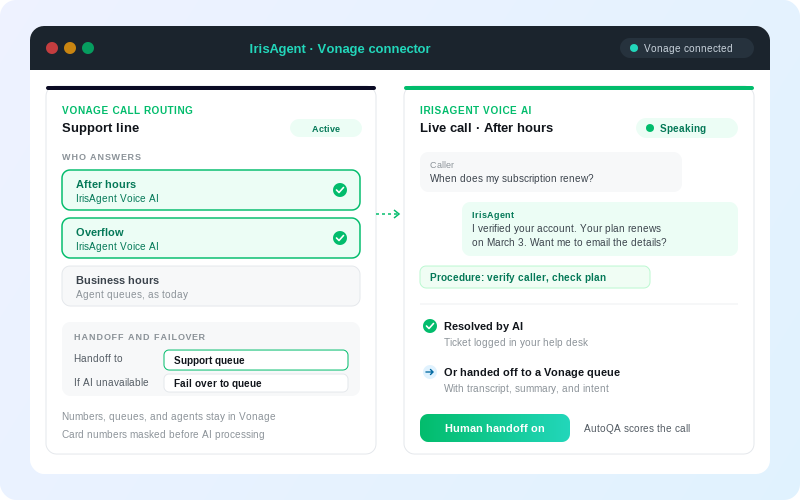
Vonage stays your phone system and contact center. IrisAgent's native Vonage connector adds Voice AI agents to the calls you choose. IrisAgent resolves routine requests and hands the rest to your Vonage queues with full context, and if the voice agent is ever unavailable, calls fail over to those queues.
Stays the same in Vonage
- Your phone numbers and the numbers customers call
- Queues, agents, and the tools they use today
- Call routing, business hours, and every path you do not change
- Your Vonage subscription and calling plan
What IrisAgent adds
- Voice AI agents for after hours, overflow, or chosen intents
- Answers grounded in your knowledge base and past tickets
- Handoff to a Vonage queue with transcript, summary, and intent
- Automatic failover to your queues, plus AutoQA on every call
By Palak Dalal Bhatia, CEO & Co-founder, IrisAgent · Last updated November 23, 2026
One AI layer for your Vonage calls
Start with Voice AI agents or run all four. Each one is grounded in your knowledge base and past tickets. Agent assist, live call copilot, and AutoQA with Vonage are scoped with your IrisAgent representative.
VOICE AI AGENTS
Answer routine calls
Resolve routine Vonage calls end to end with answers grounded in your knowledge base, and transfer the rest to your Vonage queues.
Voice AI →AGENT ASSIST
Grounded replies for agents
Reply suggestions and procedure actions for your support agents, grounded in your knowledge base and past tickets.
Agent assist →LIVE CALL COPILOT
Help agents during the call
Live transcription, source-backed guidance, procedures, and call summaries, so agents answer, act, and wrap up faster.
Live call copilot →AUTOQA
Score every call
Score 100% of conversations for AI and human agents with custom scorecards, instead of a small manual sample.
AutoQA →Routine Vonage calls, resolved by AI
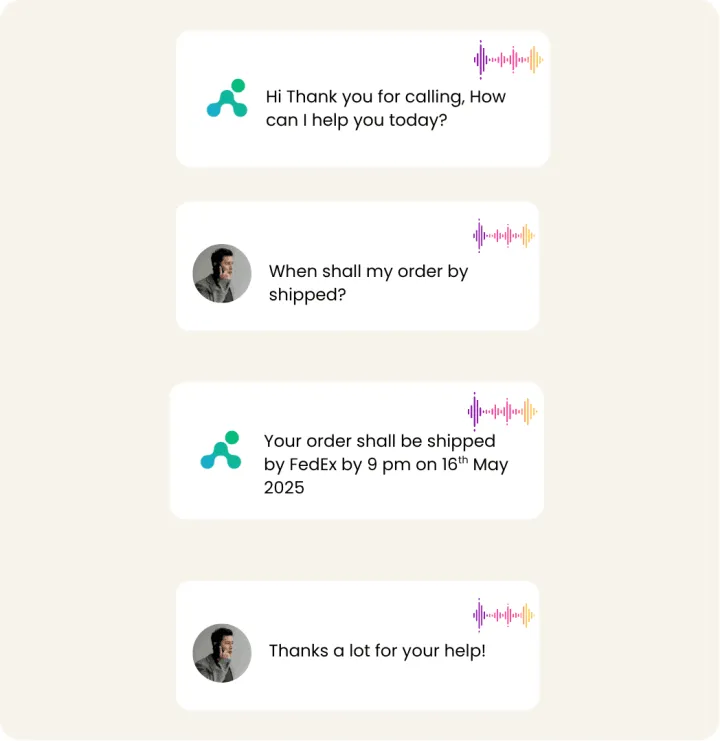
Procedures handle lookups, account changes, and ticket creation, so routine calls end resolved.
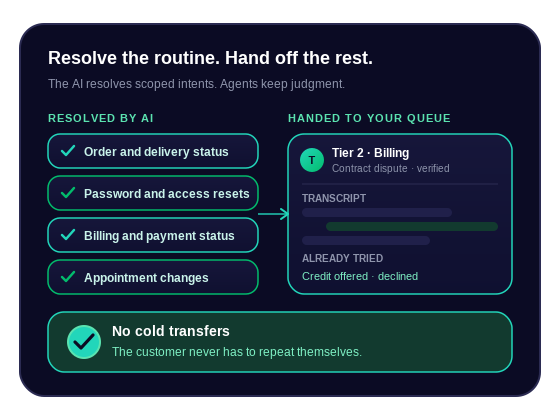
Hand off to Vonage with full context
If the voice agent is ever unavailable, calls fail over to your Vonage queues automatically.
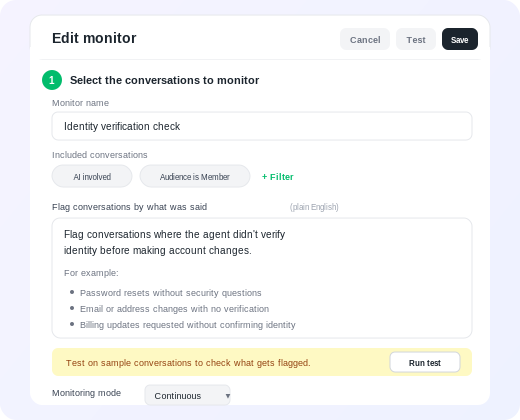
Score every call with AutoQA
Review Voice AI and agent results in one place, including outsourced teams, instead of sampling a few calls a week.
Grounded answers, PCI-safe by default
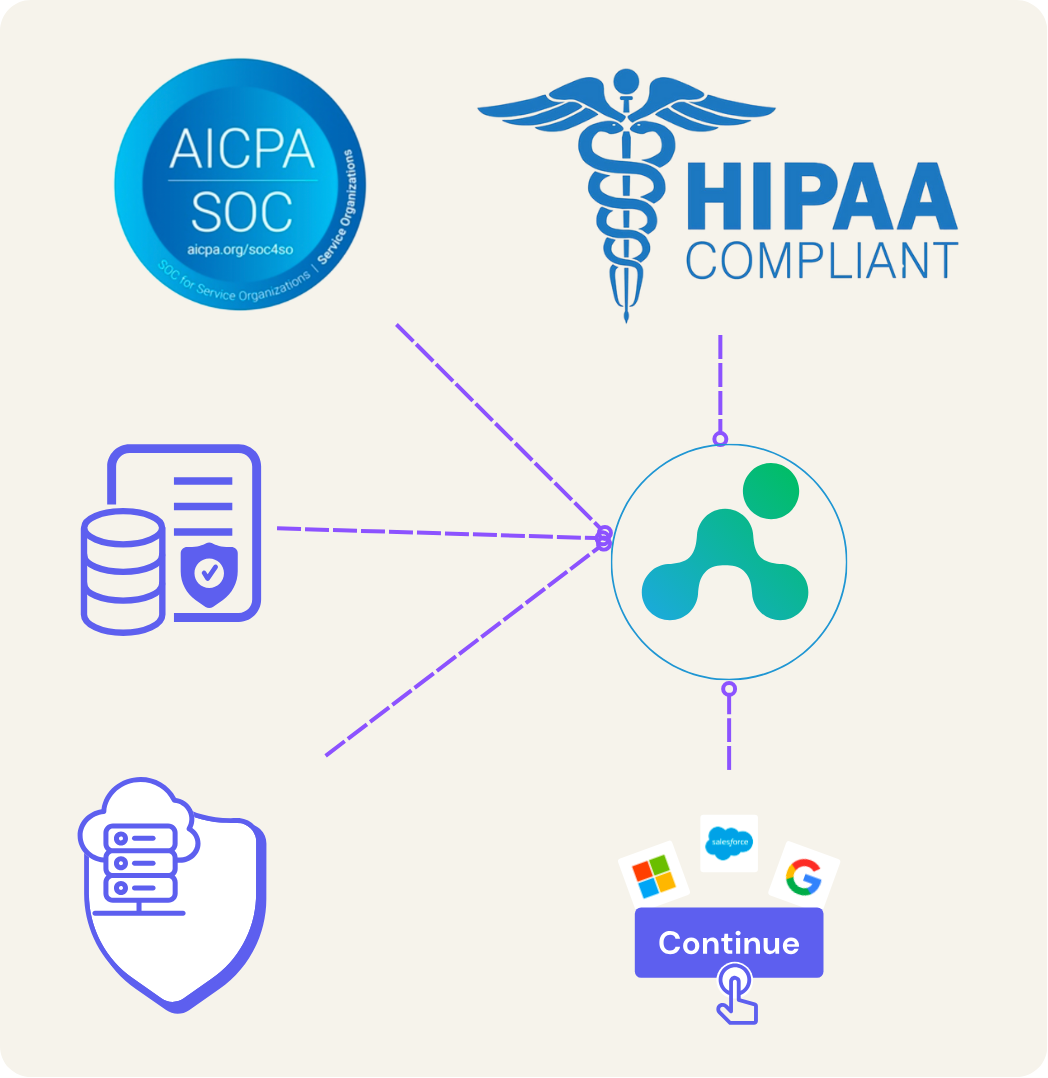
SOC 2 Type II, HIPAA, and PCI DSS controls. Card numbers are masked in transcripts before AI processing, and dedicated UK and EU deployments are available. See security.
Set up Vonage with IrisAgent
There are two ways to connect. The native Vonage connector is set up with the IrisAgent team during onboarding. For a no-code start, route calls to an IrisAgent number in four steps.
Option 1: the native Vonage connector
Book a demo and the IrisAgent team connects Vonage with your admin, then sets up the calls Voice AI takes, handoff to your Vonage queues with full context, and failover. Nothing changes for your callers.
Option 2: route calls with call forwarding
Before you start
- A Vonage admin for your phone system or contact center
- An IrisAgent account, connected to your ticketing platform or using a public website as the knowledge source
- The phone number the IrisAgent team provisions for your Voice AI (for the call routing option)
Get your IrisAgent number
From the IrisAgent team.
- Sign up by connecting your ticketing platform or a public website as a knowledge source.
- The IrisAgent team turns on Voice AI and provisions a phone number for it.
Route calls to the IrisAgent number
Your Vonage admin does this in Vonage.
- Vonage Business Communications, after hours only: in the Admin Portal, go to Phone System > Virtual Receptionist, edit your Virtual Receptionist, and open Schedules and Call Flows. On the After Hours Schedule, set the call flow to Forward Calls to External Number, enter the IrisAgent number, and click Save. The main schedule must not be set to All Day.
- Vonage Business Communications, all calls on an extension: go to Phone System > Extensions, edit the extension, open Call Forwarding, enable Forward Calls, choose Send To Ext. or Number, add the IrisAgent number, and click Save. Vonage notes that calls forwarded to an outside line can carry extra charges.
- Vonage Contact Center: in your interaction plan, add a Call Connect Router (CCR) applet with the IrisAgent number in E.164 format under Delivery Numbers, and set Applet to run if we do not connect to your agent queue so callers are never stranded. For after hours only, map the Closed status of a Schedule Router applet to the CCR applet.
Turn on human handoff
In IrisAgent Voice AI settings.
- In Voice AI settings, open the Call transfer tab and turn on Human handoff.
- Enter the Transfer phone number in international format: a Vonage number that rings the right queue or team. Add an optional Extension and Message before transfer.
- Click Save transfer settings. The transfer number must never route back to the IrisAgent number, or the call will loop.
Test it
Place a real phone call.
- Call your Vonage number from an outside phone, reach the routed path, and confirm the IrisAgent greeting.
- Ask for a person and confirm the call rings the right Vonage queue or team.
- Review the call in Activity > Conversations.
Full guide: Voice AI setup
Vonage help: Virtual Receptionist · Forward Calls to a Phone Number · Call Connect Router (CCR) applet · Schedule Router applet
Flexible pricing
Voice AI agents use the model that fits your call volume. Agent assist, live call copilot, and AutoQA are quoted with your plan. Your Vonage subscription stays with Vonage.
USAGE-BASED
$400
per month
From 2,000 included minutes, scaling to custom plans for higher volume.
RESOLUTION-BASED
$0.99 to $2
per resolved call
Your rate sits in this range based on monthly volume. Nothing charged when the call goes to a human. No per-seat fee.
See IrisAgent pricing for every product.
Any questions?
We got you.

Related: Voice AI · Live call copilot · AutoQA · IrisAgent for Salesforce · AI call center · AI answering service · All telephony integrations · NICE CXone AI integration · RingCentral AI integration · Genesys Cloud AI integration · Voice AI setup guide