
How to Handle Player Support During a Game Launch
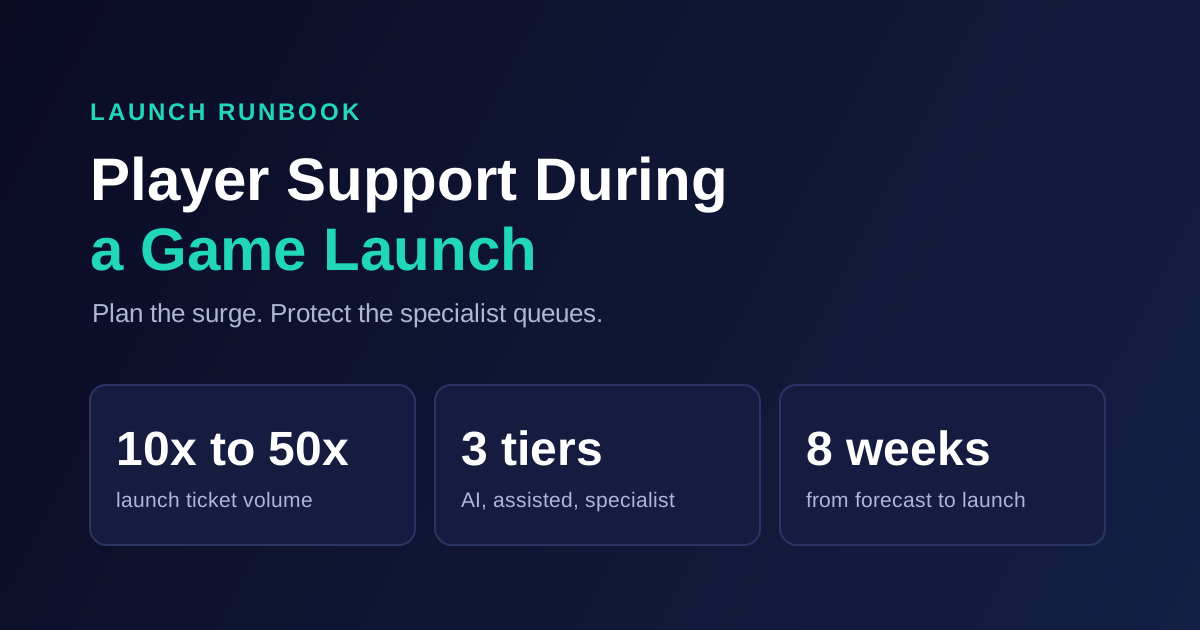
To handle player support during a game launch, plan for 10x to 50x normal ticket volume, and split the surge before it reaches agents. Publish known issues where players will look, let grounded AI resolve repetitive tickets, route account, payment, and safety cases to protected specialist queues, and keep one incident owner connected to engineering. Then run a daily review for the first week, because the second wave of tickets is rarely the same as the first.
The 10x to 50x figure comes from the IrisAgent gaming case study covering Larian Studios, MY.GAMES, and Pixonic, where major releases and content updates produced that volume overnight. Those studios now auto-resolve 60%+ of player queries, with 45% lower support operating costs and 5x faster mean time to resolution.
This runbook is for player support leads, live ops managers, and community teams. It covers the math, the eight weeks before launch, launch day hour by hour, and the week after.
Do the surge math first
Most launch plans fail at this step, because they staff for the average day of launch rather than the peak. Here is a worked example using illustrative numbers. Replace them with your own.
Assume a baseline of 1,000 tickets a day, a team of 20 agents, and capacity of 50 tickets per agent per day.
Scenario | Tickets per day | After 60% AI resolution | Agents needed at 50 tickets each |
|---|---|---|---|
Normal day | 1,000 | 400 | 8 |
10x launch | 10,000 | 4,000 | 80 |
50x launch | 50,000 | 20,000 | 400 |
There are two lessons here. First, without automation, even a 10x day needs 200 agents, and you cannot hire and train those in time. Second, AI alone does not close the gap at the top of the range. A 60% resolution rate still leaves 20,000 tickets on a 50x day.
So the plan needs three layers working together: reduce the tickets that get created, resolve the repetitive ones automatically, and make sure the remaining queue is sorted so that urgent cases do not wait behind duplicates. Agents should spend launch day on the cases that actually need a person.
Pre-launch: eight weeks to launch day
Eight weeks out: build the forecast and intent map
Pull tickets from your last launch or your closest comparable title. Tag them by intent and by day after launch, then forecast each intent separately. Crash reports and purchase problems tend to peak in different windows, and each needs a different owner.
Then assign every intent a tier:
Tier | Example intents | Launch-day handling |
|---|---|---|
1: AI resolves | Install help, known bugs, platform refund policy, how-to questions, order and entitlement questions | Automated, with human fallback |
2: AI gathers, agent decides | Missing items, failed purchases, duplicate charges, crash reports needing logs | AI collects details and routes |
3: Specialist only | Account takeover, ban appeals, chargebacks, threats of harm, minors' data requests | Protected queue, human decision |
Six weeks out: connect systems and write the policy
AI can only resolve what it can see. Connect your help desk, knowledge base, account system, entitlement data, and status page. If you are adding AI for this launch, start now. A knowledge-grounded AI layer on your existing help desk can be live quickly, but custom backend integrations take longer, and you want them tested well before launch.
Write down the rules AI must follow. For ban appeals, the AI may collect the account and enforcement ID, explain the process, and route the case. It never decides the appeal or reveals how detection works. For account recovery, ownership must be verified through your account system.
Refund rules need the same care, since storefront policy often sets them. Steam, for example, generally grants refunds within two weeks of purchase and with less than two hours of playtime. Your AI should cite the real policy for each storefront and send players to the right channel, rather than improvising.
Four weeks out: write the launch knowledge base
Create articles for the issues you can already predict: minimum specs, platform-specific install errors, cross-save, pre-order and deluxe edition entitlements, server regions, and known launch bugs. Build a known-issues page with an owner and a timestamp on every entry. This page becomes the source of truth for agents, AI, and community managers.
Translate your top articles into your launch languages. If you use AI translation, have native speakers check the policy-sensitive articles, including refunds and bans.
Two weeks out: test under pressure
Run the plan like a fire drill:
Replay old launch tickets through the AI, and score whether answers are correct and grounded.
Red-team with false refund claims, account takeover attempts, and policy-bending ban appeals.
Test the handoff. Confirm agents get full conversation context.
Confirm the bug path: who receives a crash cluster, in what format, and how fast.
Name your incident owner and backup for each shift across time zones.
Launch week: freeze and brief
Freeze non-essential automation and macro changes. Pre-write status messages for server outages, queue times, login failures, and missing pre-order items. Brief agents, community managers, and engineering on the same document, and set up one shared incident channel.
Launch day: run it like an incident
Before the doors open
Check that the status page and known-issues page are live. Confirm that your contact form shows known issues before a player submits. Make sure dashboards show volume by intent, AI resolution rate, queue age by tier, and CSAT by language.
Hour 1 to 4: watch for clusters, not volume
Total volume will be high no matter what. What you need to detect early is a cluster: many players reporting the same new thing. Trending-issue detection helps here, because a spike in "can't log in on console" is an incident, not 3,000 separate tickets.
When a cluster appears, follow the same four steps:
Confirm it with engineering and open or attach to one incident.
Publish it on the status page and the known-issues page, with a timestamp.
Update AI knowledge so that it answers with the same wording.
Bulk-link or merge the duplicate tickets, and reply once when it is fixed.
Step 3 is where launch-day AI usually goes wrong. An AI that is confidently answering from yesterday's article is worse than no AI. Grounded answers are only as current as your knowledge, so give one person permission to publish updates within minutes.
Hour 4 to 24: protect the specialist queues
As queues grow, the temptation is to pull specialists onto the general queue. Don't. Account takeovers are time-sensitive, and a launch is a good moment for attackers. Keep Tier 3 staffed, and keep it visible on its own dashboard.
Hold a short check-in at every shift change. Cover the top five intents, new clusters, AI answers that need correcting, and anything engineering owes support. Keep notes in the incident channel, so the next time zone starts with the full picture.
Keep the community in the loop
Players report on Reddit, Discord, and Steam reviews before they open a ticket, and they often read those places first. Post the same status wording in every channel at a regular interval, even if the update is "no change, next update in 30 minutes." Silence creates more tickets than bad news does.
Flag frustrated players with sentiment analysis, and send repeat contacts to a human quickly. A player on their third contact does not need another automated reply.
The week after: the second wave
The first wave is about access. The second is about progress, purchases, and fairness: lost saves, missing rewards, refund windows closing, cheating reports, and first ban appeals. Expect the mix to change even as volume falls.
Run this daily for the first week:
Review the top 20 intents against the forecast, and update tiers as needed.
Sample AI conversations by language and by intent, and score them. AutoQA can cover every conversation so you are not sampling a small fraction.
Turn each unanswered question into a knowledge article the same day.
Send a clean bug digest to engineering: player count, platform, build, reproduction steps, and example tickets.
Clear the backlog oldest first within each tier, and reply to players who were affected by a fixed issue.
Run the post-launch review within two weeks
Bring support, community, live ops, and engineering together while details are fresh. Bring these numbers:
Peak surge multiple, by day and by intent
AI resolution rate, measured by tickets that stayed closed
Time to first response and time to resolution by tier
CSAT by language
Time from first report to public status update for each incident
Tickets avoided by known-issues content
Cost compared with the prior launch
Turn the findings into a template for your next patch. Live games launch again and again, so each content drop should be easier than the one before it.
Where AI fits in a game launch
AI is the only part of this plan that can scale from a normal day to a launch day without hiring. It handles concurrent conversations in many languages at any hour. It does not replace your incident owner, your trust and safety judgment, or your engineering relationship.
In the studios behind our gaming case study, AI handled the repetitive volume while agents focused on complex issues. One gaming customer put it this way: "During our biggest launch, AI handled the surge while our agents focused on the complex issues that actually needed a human touch." That is the division of labor to aim for.
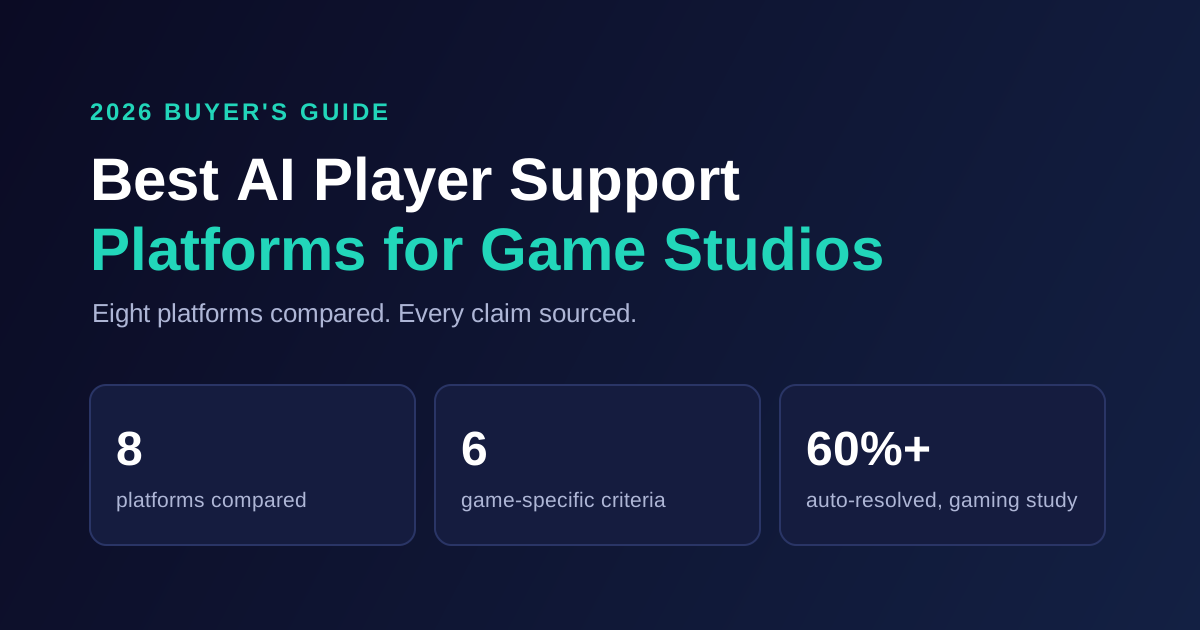
If you are choosing a platform for an upcoming launch, compare options in our guide to the best AI player support platforms for game studios. To see how grounded AI works on your own player tickets, explore IrisAgent for gaming support or book a demo.
Frequently Asked Questions
How much do support tickets increase during a game launch?
Major releases and content updates can produce 10x to 50x normal ticket volume, according to the IrisAgent gaming case study covering Larian Studios, MY.GAMES, and Pixonic. Forecast your own multiple from your last launch or a comparable title, and plan each ticket intent separately.
How do you prepare player support for a game launch?
Start about eight weeks out. Forecast volume by intent, sort intents into AI-resolved, AI-assisted, and specialist-only tiers, connect your help desk and account systems, write launch knowledge base articles and a known-issues page, then test with old launch tickets and red-team scenarios two weeks before launch.
Can AI handle launch-day player support?
AI can handle repetitive tickets at any concurrency, including install help, known bugs, and policy questions. Studios in the IrisAgent gaming case study auto-resolve 60%+ of player queries. AI does not replace your incident owner or trust and safety judgment, and its answers stay accurate only if someone keeps launch knowledge current.
What should agents focus on during a game launch?
Agents should focus on cases that need judgment: account takeovers, failed purchases, ban appeals, chargebacks, and safety threats. Keep specialist queues protected rather than pulling those people onto the general queue, and send repeat contacts to a human quickly.
What happens to player support in the week after launch?
Volume falls but the mix changes. The first wave is about access. The second is about lost saves, missing rewards, refund windows, cheating reports, and first ban appeals. Review top intents daily, turn unanswered questions into articles the same day, and send engineering a clean bug digest.

Loading the form. Prefer email? Reach us at info@irisagent.com or call +1 617 249 3312.